
Built-In Accounting: Why Your Bank Should Do Your Books
The old model of juggling a bank, QuickBooks, and a bookkeeper is breaking. Here's what built-in accounting means, how it works, and whether it's right for your business.
Here's how most small businesses manage their money: they have a bank account at one company, accounting software at another, and maybe a bookkeeper who logs into both and tries to keep everything in sync.
Every month, the same dance: export transactions from the bank, import them into the accounting software, categorize everything, reconcile the numbers, fix the things that didn't match, and hope nothing fell through the cracks.
It's tedious, error-prone, and — in 2026 — completely unnecessary.
A growing number of platforms now build accounting directly into the banking experience. Your transactions categorize automatically. Your profit and loss statement updates in real time. Your books are always current because your bank is your books.
If you've never heard of this approach, or if you've heard of it but don't understand how it's different from "connecting QuickBooks to your bank," this guide is for you.
The Old Model: Bank + Software + Bookkeeper
Let's be specific about how the traditional setup works, because understanding the pain points is the first step to understanding why the integrated model is better.
The players
Your bank holds your money. It processes deposits, payments, transfers, and card transactions. It gives you statements and transaction data. That's about it. Your bank doesn't know (or care) whether a payment was for rent, payroll, or office supplies.
Your accounting software (usually QuickBooks, Xero, or FreshBooks) takes your bank data and turns it into financial records. It categorizes transactions, tracks invoices, generates reports like profit and loss statements and balance sheets. It's where your "books" live.
Your bookkeeper is the human who makes sure the first two are talking to each other correctly. They review transactions, fix miscategorizations, reconcile accounts, and prepare your books for your accountant at tax time.
Where it breaks down
This three-part system has been the standard for decades. And for decades, it's been creating the same problems:
Sync delays. Bank feeds into accounting software aren't instant. They're typically 24-48 hours behind, sometimes longer. When you look at your books, you're looking at yesterday's reality — or last week's, if your bookkeeper hasn't gotten to it yet.
Categorization errors. When transactions flow from your bank into accounting software, someone has to categorize them. "Was this $200 payment to Amazon for office supplies or inventory?" Software tries to guess, but it gets things wrong regularly. These errors compound over time and make your financial reports unreliable.
Reconciliation headaches. At the end of each month, your books need to match your bank statements. In theory, this is automatic. In practice, it's a multi-hour exercise of tracking down discrepancies — duplicate entries, missed transactions, timing differences, and mysterious rounding errors.
Multiple logins, multiple bills. You're paying for a bank account, paying for accounting software ($30-80/month for most plans), and possibly paying a bookkeeper ($200-500/month). Each system has its own login, its own interface, its own learning curve. You're managing three tools to accomplish what should be one job: knowing where your money is and where it went.
Stale data = bad decisions. When your books lag behind reality, you make decisions based on outdated information. "Can I afford this hire?" "Should I take on this project?" "Do I need to chase that invoice?" If your P&L is two weeks old, you're guessing.
What "Built-In Accounting" Actually Means
Built-in accounting means your bank doesn't just hold your money — it also handles the bookkeeping. When a transaction hits your account, it's simultaneously recorded in your accounting ledger, categorized, and reflected in your financial reports.
There's no syncing because there's nothing to sync. The bank data is the accounting data. They're the same system.
Here's what that looks like in practice:
Real-time categorization
When you swipe your debit card at Staples, the transaction appears in your account and gets categorized as "Office Supplies" in your accounting — instantly. Not tomorrow, not when your bookkeeper gets to it. Right now.
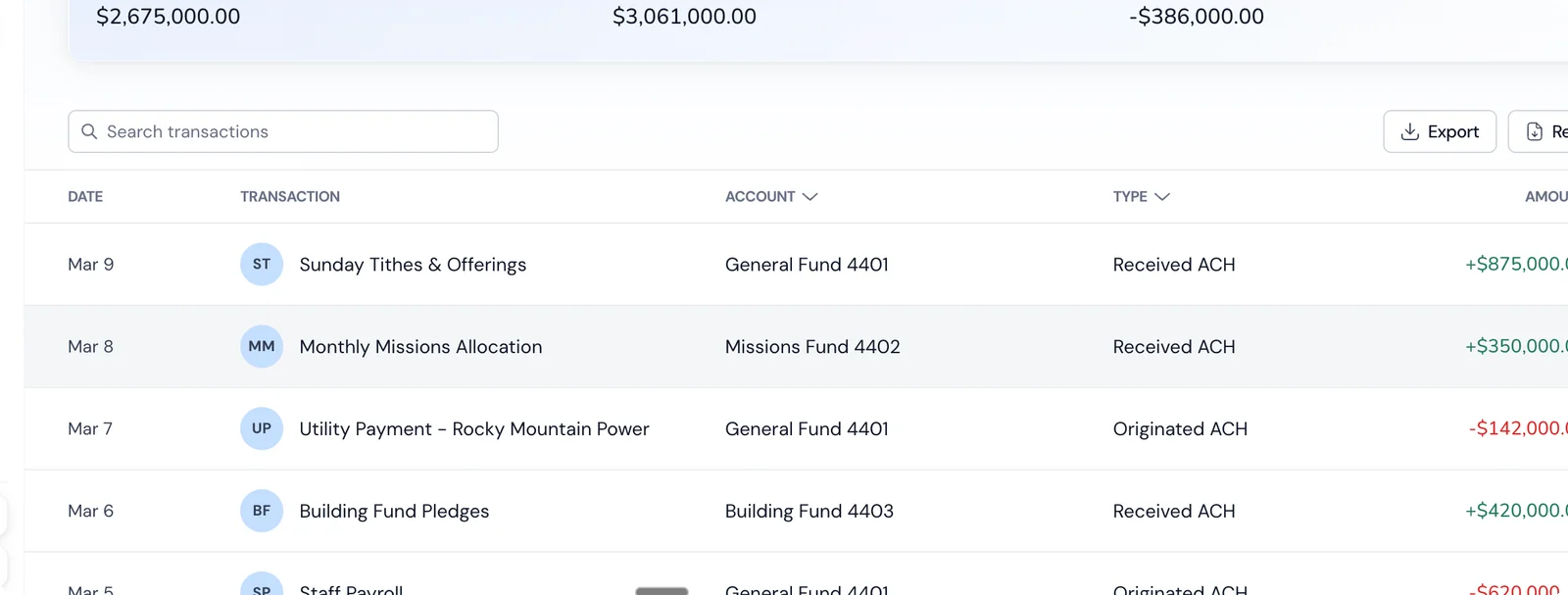
Good platforms learn your patterns over time. If you pay Acme Co. every month and always categorize it as "Rent," the system learns and handles it automatically going forward. New vendors get smart suggestions based on the merchant type and your history.
Always-current financial reports
Your profit and loss statement, balance sheet, and cash flow reports update in real time. When you log in on a Tuesday afternoon, you're seeing today's numbers, not last month's.
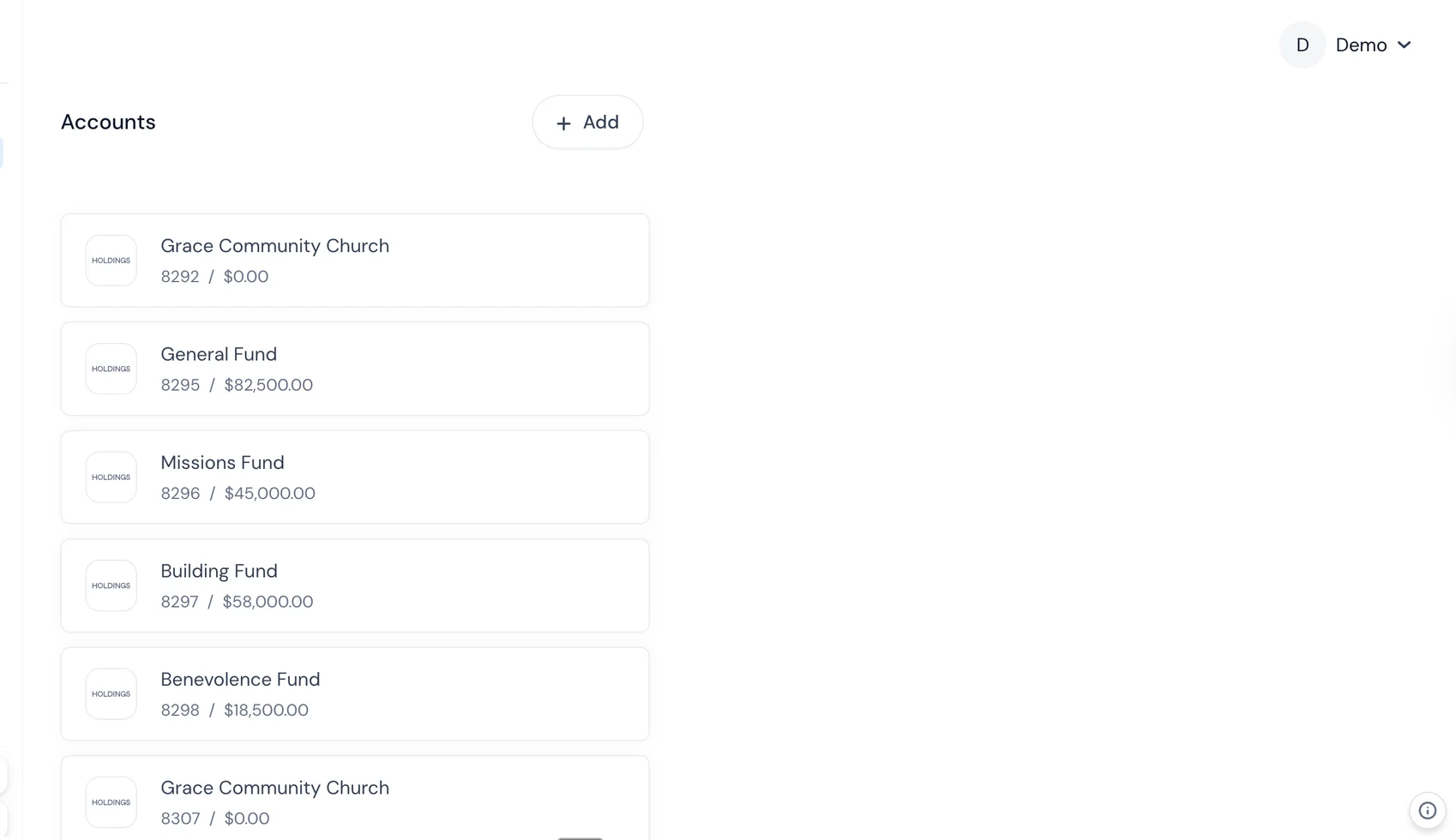
This changes how you run your business. Instead of waiting for your monthly "close" to know how you're doing, you can check anytime. Revenue this week? Pull it up. Expenses trending higher than expected? You'll see it immediately, not three weeks from now when your bookkeeper sends the report.
No reconciliation
This is the one that saves the most time. In the traditional model, reconciliation exists because your bank and your accounting software are separate systems that need to agree with each other. When they're the same system, there's nothing to reconcile. Every transaction is recorded exactly once, in exactly one place.
No more end-of-month reconciliation marathons. No more hunting for $12.50 discrepancies. No more "I'll get to it this weekend."
One login, one view
Instead of jumping between your bank's website, QuickBooks, and a spreadsheet, everything lives in one place. Your account balance, your recent transactions, your P&L, your balance sheet — all in the same dashboard.
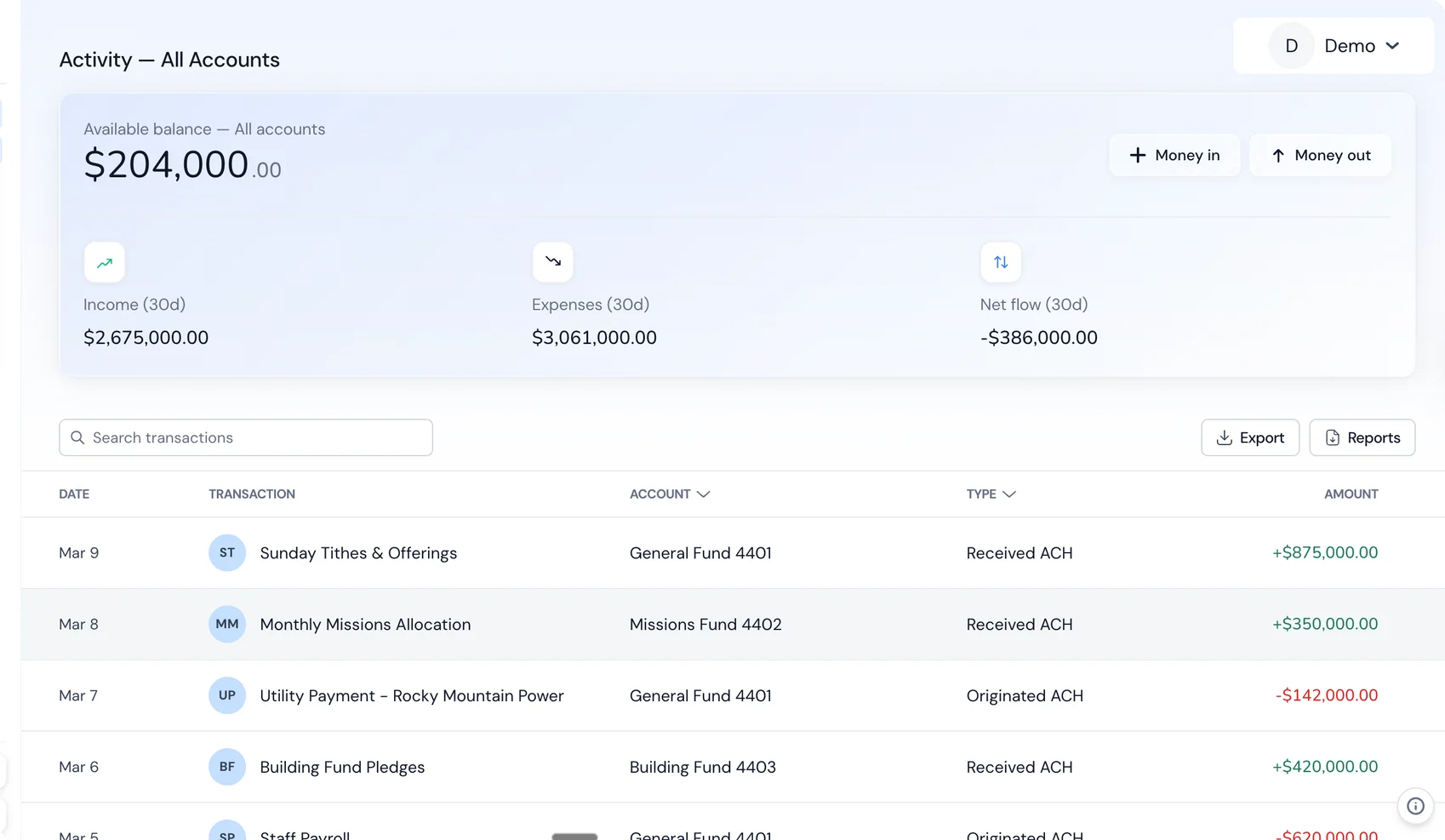
This sounds like a small thing, but it has a huge impact on whether you actually look at your finances. When the information is right there — easy to access, always current — you stay on top of it. When it requires logging into three different tools and waiting for syncs, you don't.
How It's Different From "Connecting QuickBooks to Your Bank"
This is the most common misconception, so let's address it directly.
When you connect QuickBooks (or Xero, or any accounting software) to your bank, you're creating a bridge between two separate systems. The bank sends transaction data to the software through an API or data feed. The software receives it, usually with a delay, and tries to categorize it.
This is better than manual data entry, for sure. But it still has problems:
It's a one-way feed, not a shared system. The bank doesn't know anything about your accounting categories, and the software doesn't know your real-time balance. They're two separate databases trying to stay in sync.
Feeds break. If you've ever used QuickBooks bank feeds, you know the frustration. They disconnect randomly, skip transactions, or suddenly require re-authentication. When they break, your books stop updating until someone notices and fixes the connection.
Duplicate entries. When you enter something manually in your accounting software and the bank feed also imports it, you get duplicates. This is one of the most common bookkeeping errors and it's a direct result of having two separate systems.
Category mapping is fragile. The way your bank describes a transaction ("POS DEBIT 4829 STAPLES #0472") and the way your accounting software categorizes it don't always align. Rules help, but they're imperfect and need constant maintenance.
With built-in accounting, none of these problems exist. There's one system, one database, one source of truth. The transaction doesn't need to travel from point A to point B because it's already where it needs to be.
What to Look for in a Banking + Accounting Platform
Not all integrated platforms are created equal. Some are banks that bolted on basic accounting features. Others are accounting tools that added a bank account. The best ones were designed from the ground up to do both well.
Here's what to evaluate:
Real accounting, not just categorization
Some platforms call it "accounting" when all they do is categorize your transactions. That's bookkeeping at best. Real accounting means:
- Chart of accounts — the ability to customize your account categories
- Profit and loss statements — revenue minus expenses over a time period
- Balance sheets — assets, liabilities, and equity at a point in time
- Accrual vs. cash basis — ideally support for both
- Journal entries — for adjustments that don't involve a bank transaction
If a platform can't generate a proper balance sheet, it's not really doing your accounting.
Smart categorization that learns
Auto-categorization is only as good as its accuracy. Look for platforms that:
- Categorize common merchants automatically out of the box
- Learn from your corrections and apply them going forward
- Handle recurring transactions reliably
- Let you set rules for specific vendors or transaction types
- Don't require you to review every single transaction manually
Tax-ready reports
Your accountant or CPA needs specific reports at tax time. A good platform should export everything they need without you having to do a bunch of manual prep. Ask: can I generate a year-end P&L, balance sheet, and transaction report in the formats my accountant expects?
Multi-user access
Your bookkeeper, accountant, and business partners may all need access. Look for role-based permissions — your accountant should be able to view reports without being able to move money.
The banking fundamentals still matter
Don't get so excited about the accounting features that you forget to evaluate the banking basics:
- Fees (or lack thereof)
- Interest rate on your balance
- Card options (debit and virtual)
- Payment capabilities (ACH, wires, check deposits)
- Security and insurance coverage
- Customer support
An amazing accounting experience paired with a lousy bank account is still a lousy bank account.
Who Built-In Accounting Is Best For
This approach isn't for everyone. Here's who benefits most:
Small businesses under $5M in revenue
If you're a startup, freelancer, small agency, nonprofit, or local business, you probably don't need enterprise accounting software. The traditional QuickBooks + bank + bookkeeper setup was designed for a world where software was expensive and banks didn't do anything smart with your data. That world is gone.
For businesses at this scale, a unified platform covers 90%+ of your accounting needs while cutting out the complexity and cost of managing separate tools.
Business owners who don't want to think about bookkeeping
If your approach to accounting is "I'll deal with it at tax time," built-in accounting is transformative. It does the work passively, in the background, as you spend and earn money. You don't have to "do your books" because your books do themselves.
Businesses currently paying for bookkeeping software they barely use
Here's a common pattern: a business owner signs up for QuickBooks, pays $30-80/month, connects it to their bank, and then barely logs in. The categorizations pile up unreviewed, the reports go unused, and at year end the accountant has to fix six months of messy data anyway.
If that's you, you're paying for software you don't actually use. A bank with built-in accounting removes the separate tool and makes the accounting invisible — it happens whether you actively manage it or not.
Nonprofits and churches
Organizations that need to track restricted funds, generate donor reports, and maintain clean books for their board and auditors benefit enormously from real-time, always-current accounting. The traditional model of "the treasurer updates the books once a month" doesn't cut it when you need accountability and transparency.
Limitations to Be Honest About
No approach is perfect. Here's where built-in accounting has legitimate limitations:
Complex accounting needs
If your business has complex inventory, multi-entity consolidation, revenue recognition requirements, or sophisticated job costing, you may outgrow a built-in accounting platform. These are typically mid-market and enterprise needs, but some growing businesses hit them earlier.
Switching costs
If you've been using QuickBooks for five years, your historical data lives there. Migrating to a new platform means either importing that history (if the platform supports it) or starting fresh with your new platform and keeping QuickBooks as a historical archive.
This isn't a dealbreaker, but it's a real consideration. The best time to switch is at the start of a fiscal year.
Ecosystem integrations
QuickBooks and Xero have massive ecosystems — hundreds of apps that plug into them. A newer platform won't match that ecosystem. If you depend on specific integrations (a particular inventory system, a project management tool, a specialized invoicing app), check compatibility before switching.
CPA familiarity
Your accountant has probably used QuickBooks for 15 years. They know exactly where to find everything and how to generate the reports they need. A new platform means a learning curve for them too.
That said, any competent CPA can work with standard financial reports regardless of the platform that generated them. If your CPA insists you must use QuickBooks, that's about their convenience, not your business needs.
How to Evaluate the Switch
If you're considering moving to a bank with built-in accounting, here's a practical framework:
Step 1: Audit your current costs
Add up what you're paying today:
- Bank fees (monthly maintenance, transaction fees, wire fees)
- Accounting software subscription
- Bookkeeper fees (if applicable)
- Time you personally spend on bookkeeping (value your time)
Most small businesses are paying $100-600/month across these categories, often without realizing it.
Step 2: Identify your must-haves
What do you actually need?
- P&L and balance sheet? (Yes, everyone needs this.)
- Invoicing? (Some platforms include it, some don't.)
- Payroll? (Usually a separate system regardless.)
- Multi-user access? (Depends on your team.)
- Specific integrations? (List them.)
Step 3: Try it in parallel
Most platforms let you open an account and explore the features without closing your existing bank. Run both in parallel for a month. Move some (not all) transactions through the new platform and see how the accounting works.
Step 4: Talk to your accountant
Before you fully commit, share a sample P&L and balance sheet from the new platform with your CPA. Make sure they can work with the output. A good platform generates reports that any accountant can use.
Step 5: Migrate at a clean break point
The beginning of a quarter or fiscal year is the cleanest time to switch. You close out your books on the old system, start fresh on the new one, and keep the old system as a historical archive.
Platform Comparison (2026)
Here’s how the major options stack up:
| Platform | Monthly Cost | APY | FDIC | Auto-Categorization | P&L / Balance Sheet | Sub-Accounts |
|---|---|---|---|---|---|---|
| Holdings (native) | $0 | 1.75% | $3M | ✅ AI-powered | ✅ Real-time | ✅ Unlimited |
| Relay + QuickBooks | $0 + $30–60 | 1.0%–3.0% (limited) | $250K | ✅ via QBO | ✅ via QBO | 20 accounts |
| Mercury + Xero | $0 + $13–70 | 0%–1.5% (tiered) | $5M | ✅ via Xero | ✅ via Xero | ❌ None |
| Novo + Wave | $0 + $0 | 0% | $250K | ✅ via Wave (basic) | ✅ via Wave | ❌ None |
| Found (native) | $0 | 0% | $250K | ✅ Tax-focused | Tax reports only | ❌ None |
| Chase + QuickBooks | $15+ + $30–60 | 0.01% | $250K | ✅ via QBO | ✅ via QBO | ❌ None |
Full disclosure: Holdings is our platform. The $0 cost, 1.75% APY, and unlimited sub-accounts are real, but Holdings doesn’t yet have inventory management, multi-currency support, or the 700+ app integrations that QuickBooks offers.
Total Cost of Ownership
Monthly software fees are just part of the picture. Here’s the real annual cost including bank fees, accounting software, and lost interest.
At $50,000 Average Balance
| Platform | Bank Fees | Software | Interest Earned | Net Annual Cost |
|---|---|---|---|---|
| Holdings | $0 | $0 | +$875 | -$875 (net positive) |
| Relay + QBO | $0 | $360–720 | +$0 (checking) | $360–720 |
| Mercury + Xero | $0 | $156–840 | +$0–375 | $156–840 |
| Novo + Wave | $0 | $0 | +$0 | $0 |
| Chase + QBO | $180+ | $360–720 | +$5 | $535–895 |
At $200,000 Average Balance
| Platform | Bank Fees | Software | Interest Earned | Net Annual Cost |
|---|---|---|---|---|
| Holdings | $0 | $0 | +$3,500 | -$3,500 (net positive) |
| Relay + QBO | $0 | $360–720 | +$0 | $360–720 |
| Mercury + Xero | $0 | $156–840 | +$0–1,500 | $156–840 |
| Novo + Wave | $0 | $0 | +$0 | $0 |
| Chase + QBO | $180+ | $360–720 | +$20 | $520–880 |
At $200K, the gap between Holdings and Chase + QuickBooks is roughly $4,000–$4,400/year — mostly from interest earnings plus eliminated software fees.
Related Reading
- [Holdings vs QuickBooks](/compare/quickbooks) — Built-in accounting vs. add-on software, compared in detail.
- [Free P&L Generator](/tools/profit-and-loss) — Generate a profit and loss statement in minutes.
- [Holdings Banking](/banking) — See how banking, books, and invoicing connect.
- [How to Switch Business Bank Accounts](/resources/blog/how-to-switch-business-bank-accounts) — Step-by-step guide with checklist.
Frequently Asked Questions
Is bank-integrated accounting real accounting or just spending tracking?
Real accounting. Platforms like Holdings generate GAAP-standard profit and loss statements, balance sheets, and categorized expense reports — the same outputs your CPA needs at tax time.
Can my CPA or accountant access the platform?
Most integrated platforms offer accountant access or export functionality. Holdings allows you to export reports in standard formats (CSV, PDF) and invite your accountant as a read-only user.
What happens if I outgrow integrated accounting?
You can always add standalone accounting software later. Your banking doesn’t change — you just connect QuickBooks or Xero via bank feed, like any other bank. You’re not locked in.
Is my data portable if I want to leave?
Yes. Any reputable platform lets you export your full transaction history and financial reports. Check for CSV export capability before signing up.
How does auto-categorization work?
AI analyzes the merchant name, transaction amount, and patterns from your history to assign categories. Most platforms achieve 80–90% accuracy out of the box, improving as you correct miscategorizations.
Is this safe for businesses that get audited?
Yes. Integrated accounting maintains the same transaction-level detail as standalone software — timestamps, merchant names, categories, amounts. Many businesses find it’s actually better for audits because there are no reconciliation discrepancies to explain.
The Bigger Picture
The convergence of banking and accounting isn't a niche trend — it's the inevitable direction of business finance. For decades, banks were dumb pipes (they moved money) and accounting software was a separate layer on top (it made sense of the money). That separation created friction, cost, and complexity that small businesses absorbed as the cost of doing business.
It doesn't have to be that way anymore.
When your bank understands your accounting, and your accounting is built on real banking data, the entire financial picture simplifies. You spend less time on administration, you have better data for decisions, and you eliminate an entire category of errors that come from syncing separate systems.
Is it right for every business? No. If you have complex accounting needs, a heavily customized QuickBooks setup, or specific integration requirements, the traditional model might still serve you better.
But for the millions of small businesses that just need clean books, real-time visibility into their finances, and one less tool to manage — a bank with built-in accounting is the obvious move. The question isn't whether this will become the standard. It's how quickly.